
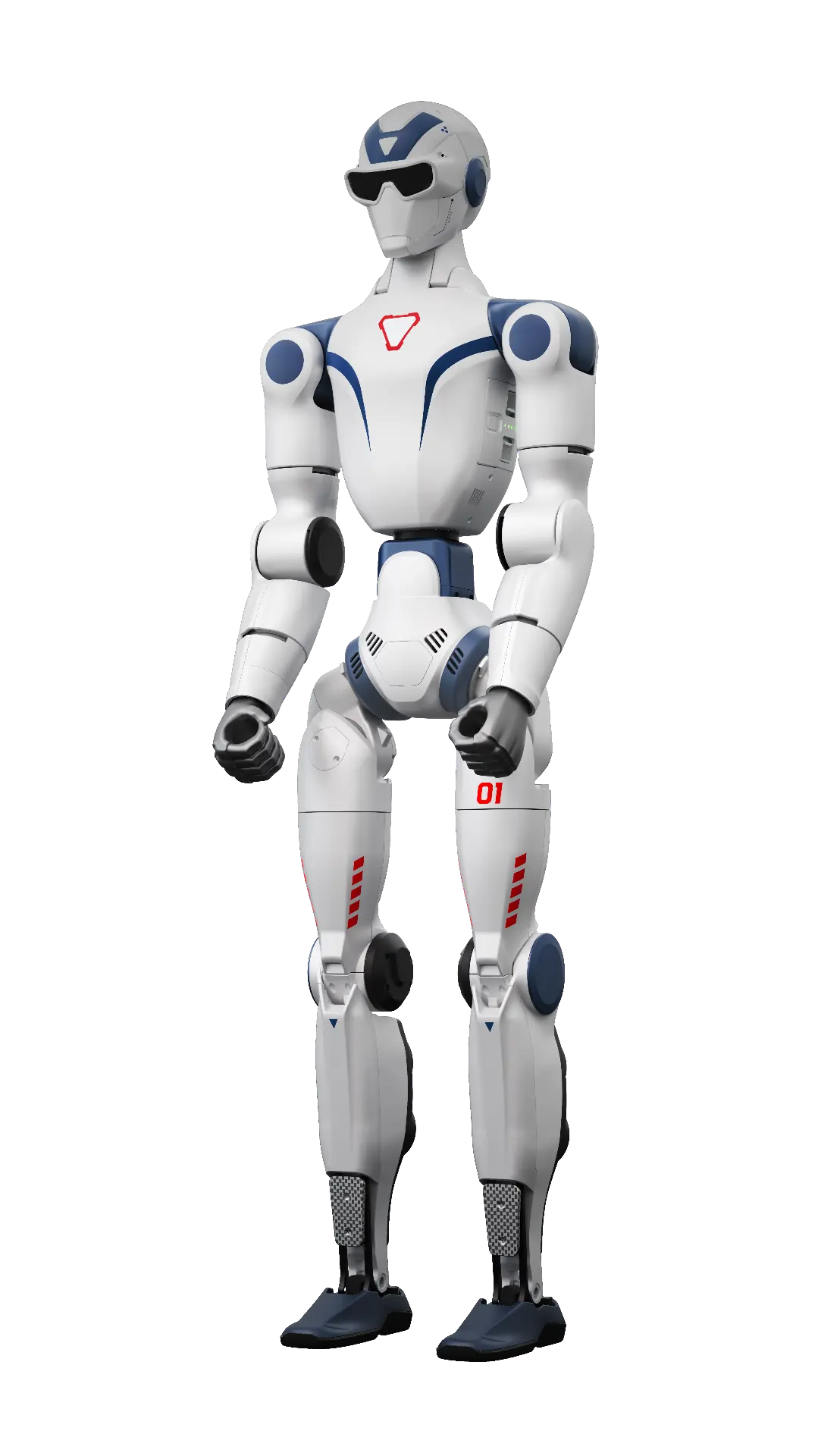
Start with the R1 platform
Anyone looking to buy a Unitree R1 should first identify which version of the R1 family they mean. Product information lists R1 Basic, EDU Standard, EDU Smart and Professional configurations alongside R1-A and R1-D. These are not merely different names for the same package. Basic variant information states approximately 29 kilograms and 26 degrees of freedom. Those describe the listed base version, not a total applying to every version with different hands or a different base. Selection therefore depends on what you want to investigate or develop and the movements required. Compare versions on the product page and record desired software access, hand configuration and installation separately before making an enquiry, rather than relying on the family name alone.
EDU and computing modules
The R1 EDU Standard description lists full SDK access. EDU Smart adds a 100 TOPS expansion module. That distinction matters when a project involves software development or combining control with additional computing capacity. An EDU label alone does not establish which hand configuration, camera or other module belongs to your package. Discuss the desired development access alongside the selected version. Record the software you want to create, the equipment to connect and the information you need from the robot. Existing data provides a starting point for that choice, but does not replace a project specification. Consult the R1 product page for individual versions and do not automatically treat additional modules as components included with every base robot or every development package.
Hands, R1-A and R1-D
Within R1 EDU Professional, the catalogue lists different hand configurations, including Dex3-1, BrainCo Revo 2, Linker Hand O6, Dex1-1 and Dex2/5. Descriptions distinguish versions with and without tactile sensing and mention a wrist RGB camera. The combination you select relates to the manipulation you want to investigate. R1-A is also described on a mobile or fixed base for workstation and front-desk applications. R1-D is described as a dual-arm humanoid on a fixed or mobile base with dual-camera vision and voice interaction. Make the intended arrangement explicit in your enquiry. A family name does not justify attributing the capabilities of these particular configurations to every other variant, or treating all hand choices as equivalent for a specific development task.
Advice and selection
Advice here means first making the application clear. Selection then means comparing the described platform features and versions with that application. For a humanoid, consider development and manipulation; for a robot dog, mobility, sensors and protection. For an EDU version, check SDK access, computing power and secondary development options. The range contains several levels, so a family name does not settle every choice. Also identify the accessories and equipment you want to connect. This keeps the distinction between a base robot and the requested configuration visible. Existing pages support this comparison without treating an optional module as an automatically included component or presenting a general model description as the complete project specification.
Starting price and configuration
Below you will find the same starting price as on the product page. The asterisk refers to the existing conditions at the bottom of the article. Configuration, accessories and optional additions determine the package and therefore the final price. An EDU version, different hands, sensors or computing modules should not simply be equated with the base platform. First compare what your project requires and which components belong to the intended version. Industrial configurations receive a quote on request. The starting price is an orientation point, not a price promise for every version or for a fully integrated application at your location.
- Unitree R1From € 10.595 excl. VAT*
Align integration, training and service
Umotion’s existing services include integration, training and service. Discuss these subjects alongside configuration: what hardware should connect, what software do you intend to develop and how does the robot relate to the process? A product page describes the platform, not automatically the complete implementation at your location. The same boundary applies to a starting price: it is not an industrial project budget. Use the G1, education and inspection articles to organise your questions. Specify the model and the support you want to discuss when enquiring. The conversation can then concern the intended package and application rather than assumptions about included components, performance or a complete solution based only on a product name.