
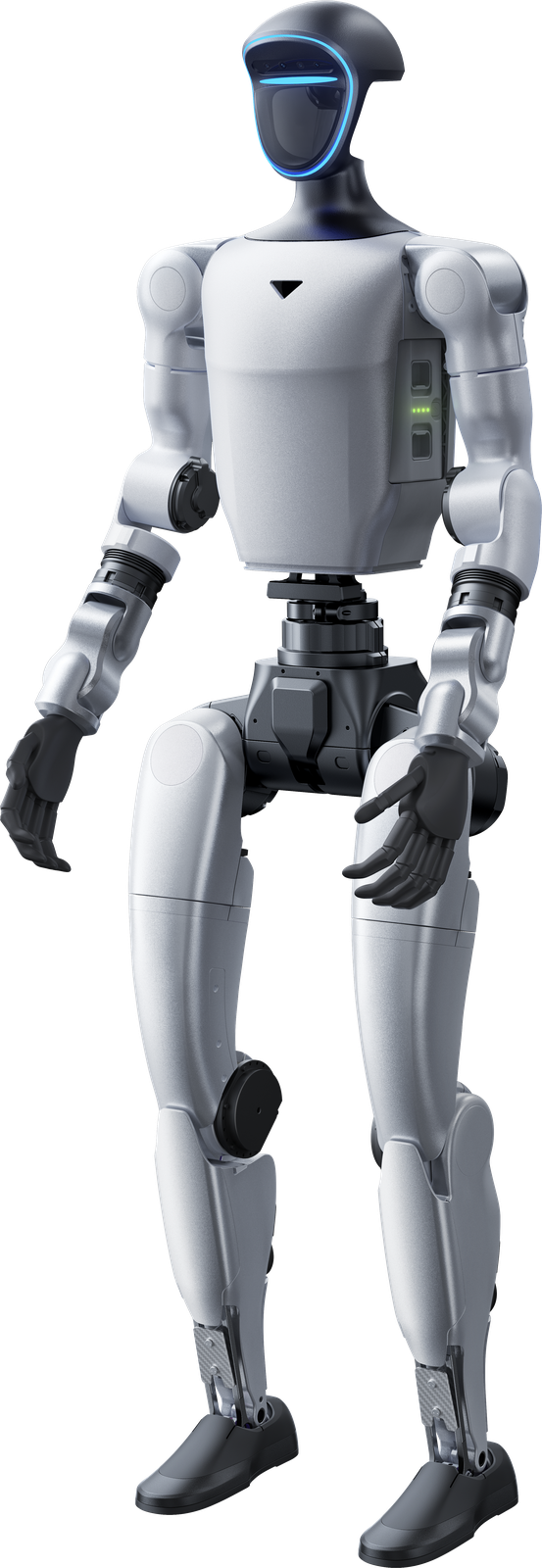
The factory task is the starting point
Considering humanoid robots in a factory requires more than comparing appearance or movement videos. Existing Umotion texts name handling, internal logistics and repetitive tasks in factories and distribution centres. These are application areas to investigate, not a guarantee that every model performs every task independently. Start with the process: what object moves, what action repeats and how must the robot fit its surroundings? G1, R1 and H2 Plus offer different platforms and configurations. Selection should relate to development, manipulation and required options. An application example starts a technical discussion; it is not evidence of a ready-made solution at every workstation or proof that a general platform description settles the requirements of your process.
G1: base platform and EDU versions
The Unitree G1 is a compact humanoid for development, research and education. The product data distinguishes G1 from G1 EDU: degrees of freedom, maximum joint torque and arm load differ by version. The configuration list includes several EDU levels, with options for additional computing power and secondary development. Hands and extra joint modules also depend on the configuration. It is therefore important not to confuse a base price with the price of a selected EDU package. The G1 page describes which versions and options can support your intended software, movements or research task.
R1 and H2 Plus have their own configurations
For R1 and H2 Plus, the model name alone does not define the package you receive. The R1 family includes several versions, including EDU and dual-arm configurations. Its product page describes development, handling and available platform configurations. H2 Plus includes Smart and Ultimate versions with different computing modules and hand configurations. These differences matter when considering a demonstration, development project or handling application. Compare the configuration list on the relevant page rather than only the entry amount. The version needs to match the task and the development capabilities you require.
Make handling and internal logistics concrete
Handling can concern picking up, moving and placing objects. Existing application texts describe internal logistics as the movement of goods within a process. To discuss these subjects meaningfully, the object, desired action and workstation need to be clear. What shape should the hand handle? What movement and software do you intend to develop? What equipment or information is needed to support the action? Product pages show hands, computing modules and versions, but a listed option is not automatically included. Compare G1, R1 and H2 Plus packages around your development question. This makes broad application terms more concrete without assuming new performance claims, a proven production rollout or identical manipulation capabilities across all configurations.
Compare software and hardware together
In humanoid development, physical configuration and software capabilities are connected. G1 information describes SDK, imitation learning, reinforcement learning and transferring movements from simulation. R1 and H2 Plus pages describe their own development and handling configurations. Do not automatically transfer a technique described for one family to every model. Check the version you mean, its modules and the software access described for it. When investigating a factory task, this helps connect the desired movement to the selected hardware. Apply the same care to hands and computing power: an extensive package and a base platform are not interchangeable descriptions of exactly the same robot configuration, even when they share a family name or general application area.
Accessories and options define the package
The Unitree range includes robot hands, robot arms, computing modules, batteries and chargers alongside robots. Product pages show which technologies and options are offered for each family. A hand for fine manipulation serves a different role from an additional computing module for local robot AI. Your choice depends on what you want to develop or perform with the platform. An option listed on a page is not automatically included in the starting price. Check the chosen version and discuss additions with Umotion, keeping the components of your requested configuration clear.
Discuss a bounded application
Umotion starts from the use case and offers advice, integration, training and service. For a factory application, describe the existing situation, desired task and necessary connections. Use product links for technical information and the G1 article for distinctions between base and EDU versions. The cost article helps distinguish an entry price from an industrial configuration. Then discuss the package you want to investigate and appropriate support. Selecting a model alone does not define the full implementation at your location. This approach keeps hardware, development and integration together while making clear which information comes from existing product pages and which application still needs further work before it can be treated as an actual solution for your process.